
01
One-Click Download
Press the download button to save all your content - just click and go.
One click downloads all accessible Telegram Web content to your computer - fast, in original quality, and all in one downloader.
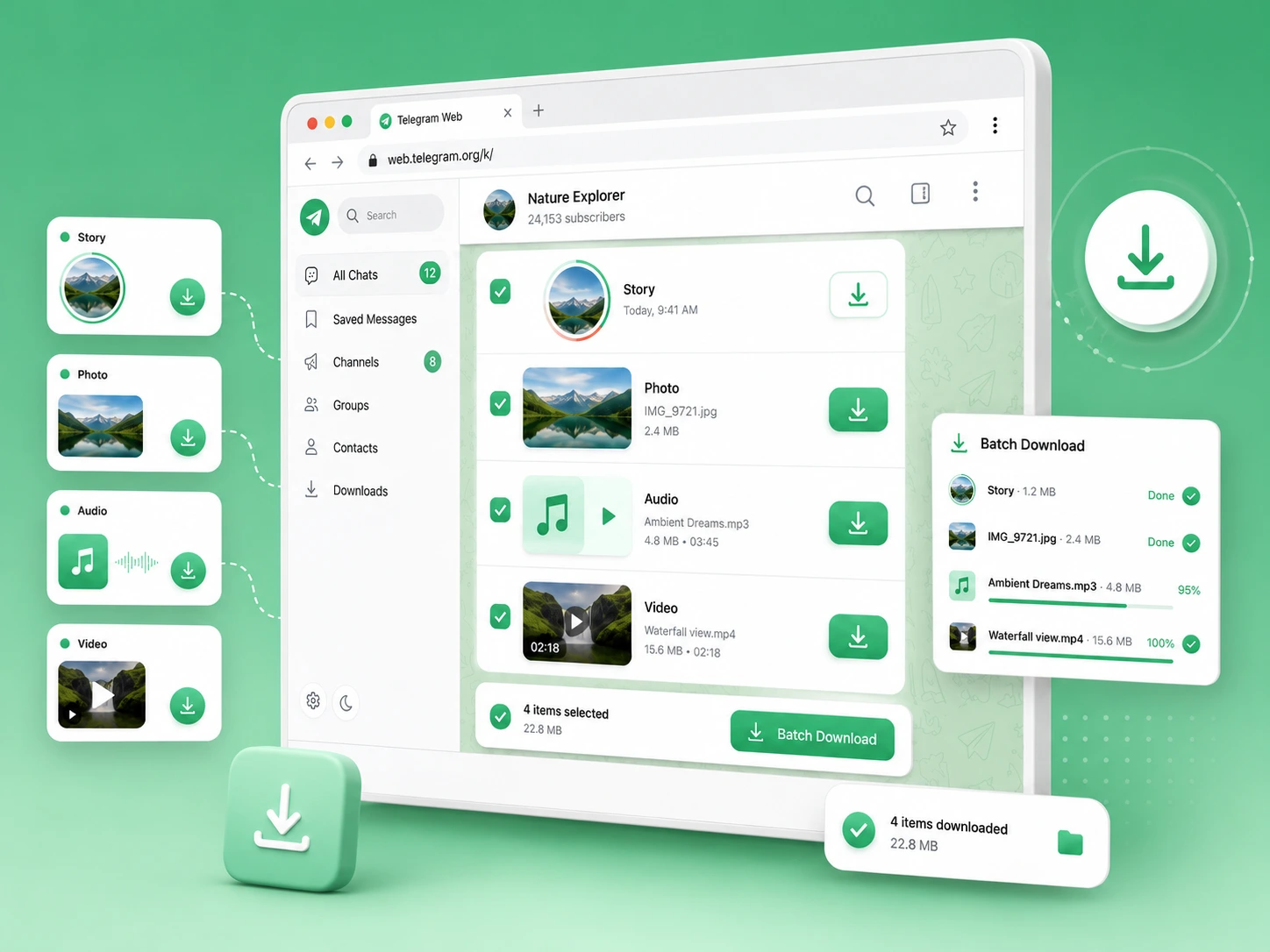
Use TG Downloader to save one file, mixed content or larger batches in seconds, with a simple extension built directly into Telegram Web.
01
Press the download button to save all your content - just click and go.
02
Save supported Telegram content quickly, with no extra steps.
03
In full resolution, save every photo, video, and audio file just like the original.
04
Public or private, grab your content from any chat or channel you can view.
TG Content Downloader handles all file formats - images, videos, audio, and documents - in one simple workflow.
| File Format | Content Examples |
|---|---|
| JPG / JPEG / PNG / WEBP | Keep photo albums, wallpapers, design references, and screenshots in full size - up to 4K. |
| MP4 / MKV / FLV | Store films, product demos, and screen captures in HD and high FPS. |
| MP3 / M4A / AVI / OGG | Export podcasts, voice notes, DJ sets, and audio lessons with sound quality intact. |
| GIF | Save reaction clips, animated stickers, meme GIFs, and tutorial loops that you like. |
| Telegram Stories & Posts | Backup fleeting 24-hour photo and video Stories before they expire. |
Here is how Telegram Content Downloader works for you in every situation.
Your effortless web saver - skip the repetitive steps and capture media while you chat.
Right inside Telegram Web - files drop clean onto your computer, no extra software needed.
During heavy media dumps - or whenever you want to save great posts before they scroll away.
For anyone tired of manual right-clicking - from casual users to active media collectors.
To save your time and sanity - stop browser tab lag, avoid lost downloads, and keep your files tidy.
Real Download Results
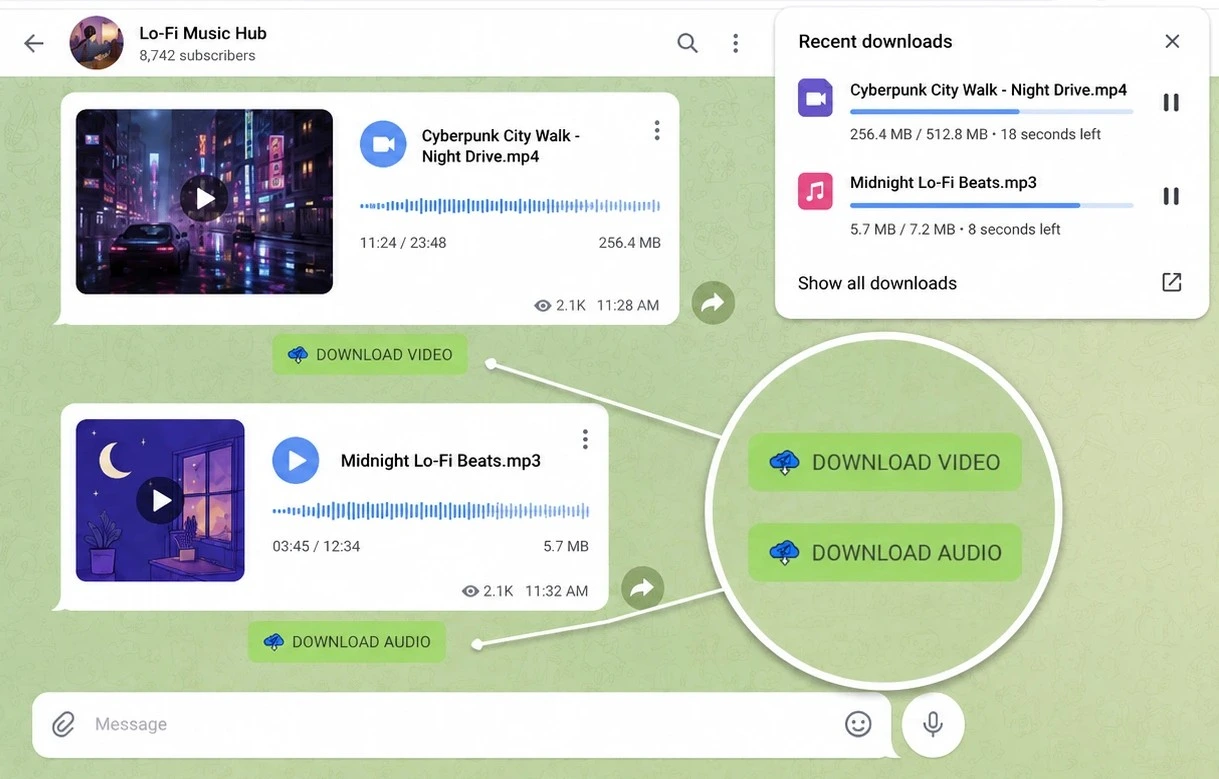
From channel managers to media collectors, see how people save the files they need for work and study.
See how our users use TG Content Downloader to cut down repetitive clicks and keep their file folders organized.
★★★★★
I've been using TG Content Downloader almost every day, and it's become one of those apps I can't do without. It saves me so much time, especially when I need to download multiple files from Telegram.
Adriane Hyu
★★★★★
It is a really goot extenssion. TG Downloader makes downloading as easy as clicking mouse,Just one click and then it is done and it is unlimited and free.
Kaung Sithu
★★★★★
Thanks for making my life easier, These micro tools save a long term headache of downloading each file. I am a student and Telegram Content Downloader has been a great help cause it is free.
Poorva Jambhulkar
★★★★★
TG Content Downloader is honestly a lifesaver for anyone who works heavily with Telegram media and content. Fast, simple, and surprisingly smooth compared to most download tools out there.
Max
Backed by personal users, creators, and researchers who need fast and clean file saving.
4.9/5★
average rating
60,000
users worldwide
23.7K
real ratings
50+
languages supported
Everything you may want to know about using TG Content Downloader on Telegram Web.
Simply open Telegram Web in your browser. The extension activates automatically and adds download options next to supported videos, images, audio, and Stories - no extra sign-up or setup required.
Yes. As you scroll through chats, groups, or channels on Telegram Web, TG Content Downloader scans and detects all available media files in real time, making them ready to download immediately.
Yes. TG Content Downloader is built to support both Telegram Web A and Web K.You can freely switch to another version and keep downloading without issues.
Yes. As long as you have access to view and play the content inside your Telegram Web session, TG Content Downloader can capture and save it directly to your PC.
No strict size cap is imposed by the extension. You can download large videos and media files as long as your local storage and Telegram Web session can process them.
In a Telegram group, you can use the batch download feature in TG Content Downloader to select several photos, videos, or audio tracks across a chat and process them all in a single queue, instead of clicking item by item.
Closing or refreshing the Telegram Web tab will interrupt active file transfers. We recommend keeping the tab open in the background until your download queue completes.
Refresh your Telegram Web page first. If the button still doesn't appear, try switching between Telegram Web A and Web K, or ensure the extension is enabled in your browser extensions menu.
All files default to your browser's "Downloads" folder. To change the target folder, open your Chrome settings and set a new default path or enable the prompt to ask for a save path each time.
Free users can save up to 3 files per day. For unlimited daily access, large media archives, and heavy batch downloads, an optional Premium upgrade is available anytime.
No. The downloader runs locally inside your Chrome browser and only processes media files you actively choose to save. It never reads, stores, or tracks your private messages, login info, or personal account data.