
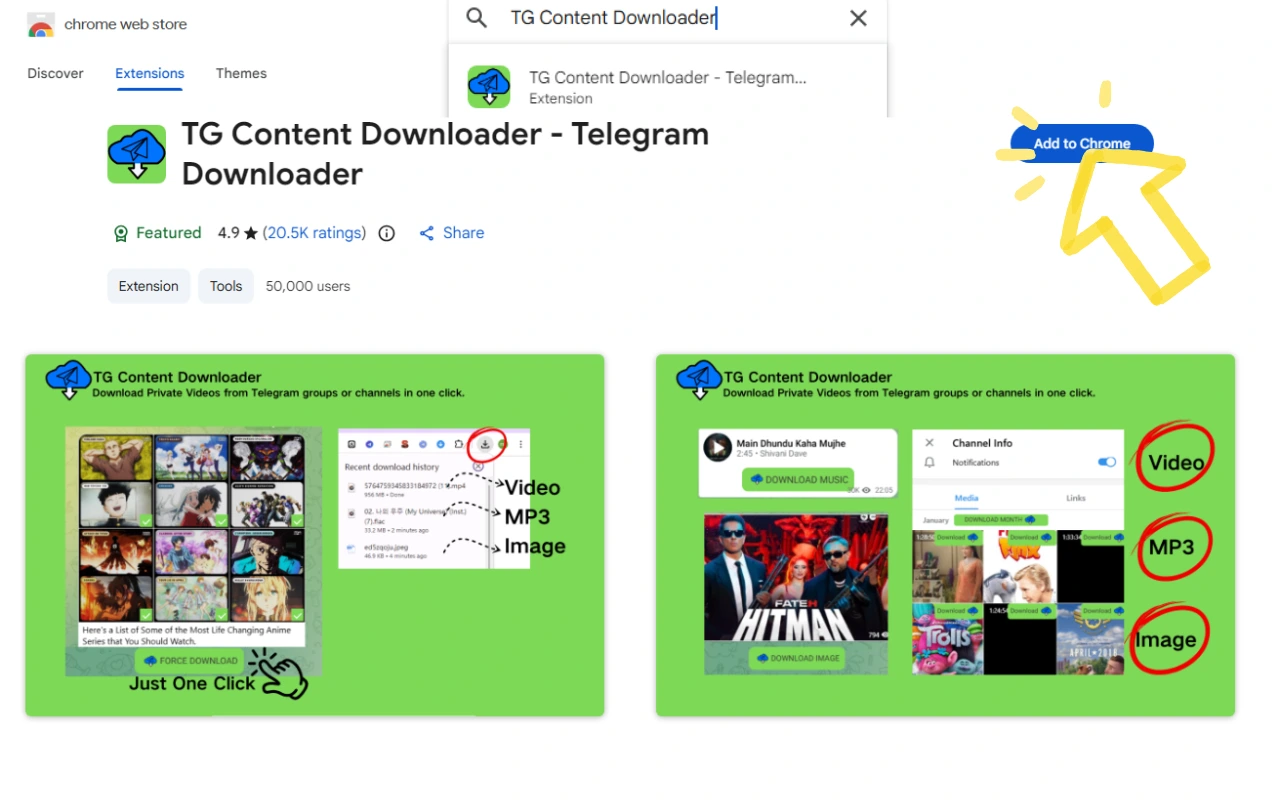
Step 1
Step1: Add extension to browser
Search for [Telegram Content Downloader] in the Chrome Web Store and install it.
One click downloads all accessible Telegram Web content to your computer - fast, in original quality, and all in one downloader.
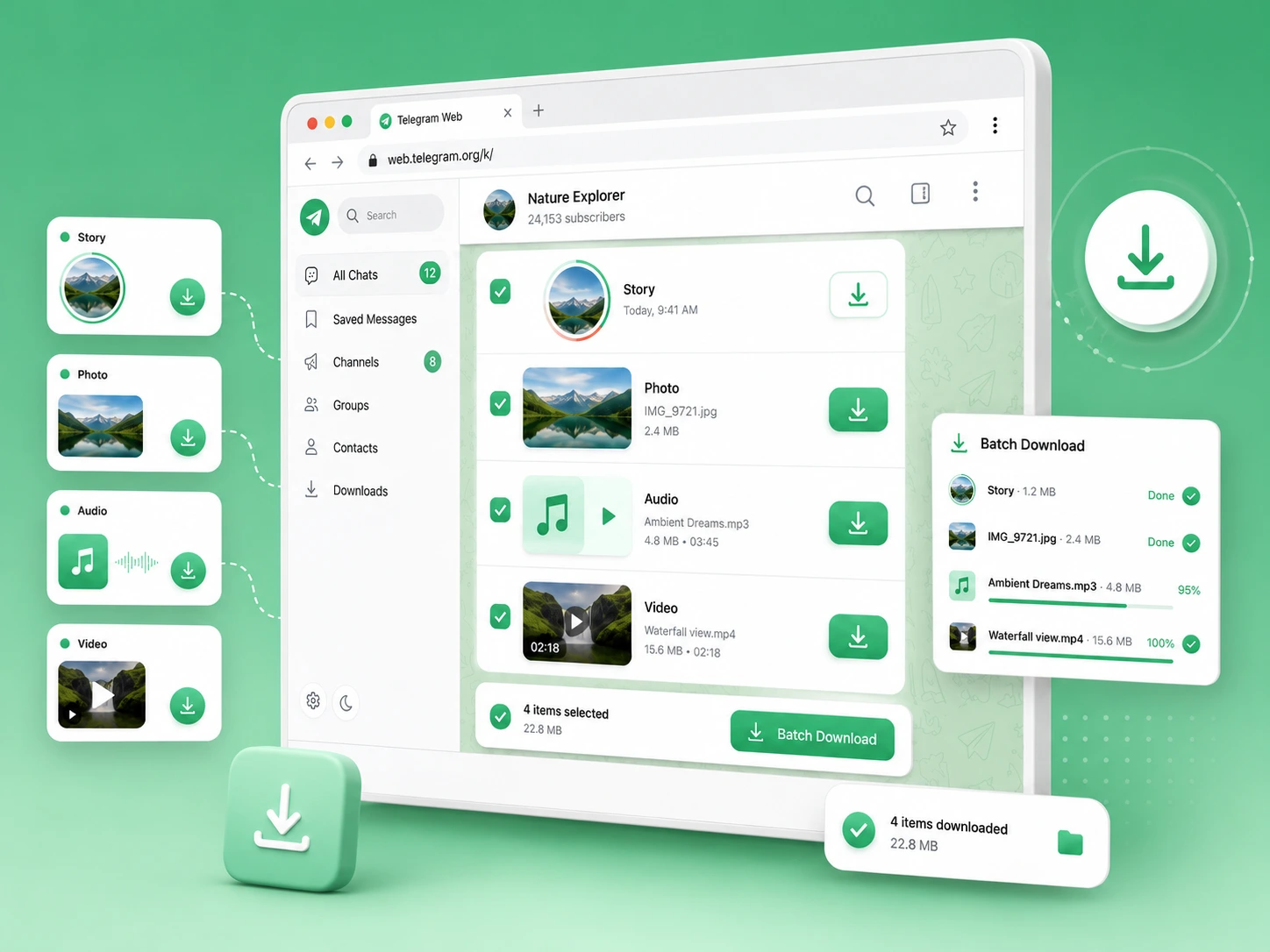
4 Steps
Step 1
Search for [Telegram Content Downloader] in the Chrome Web Store and install it.
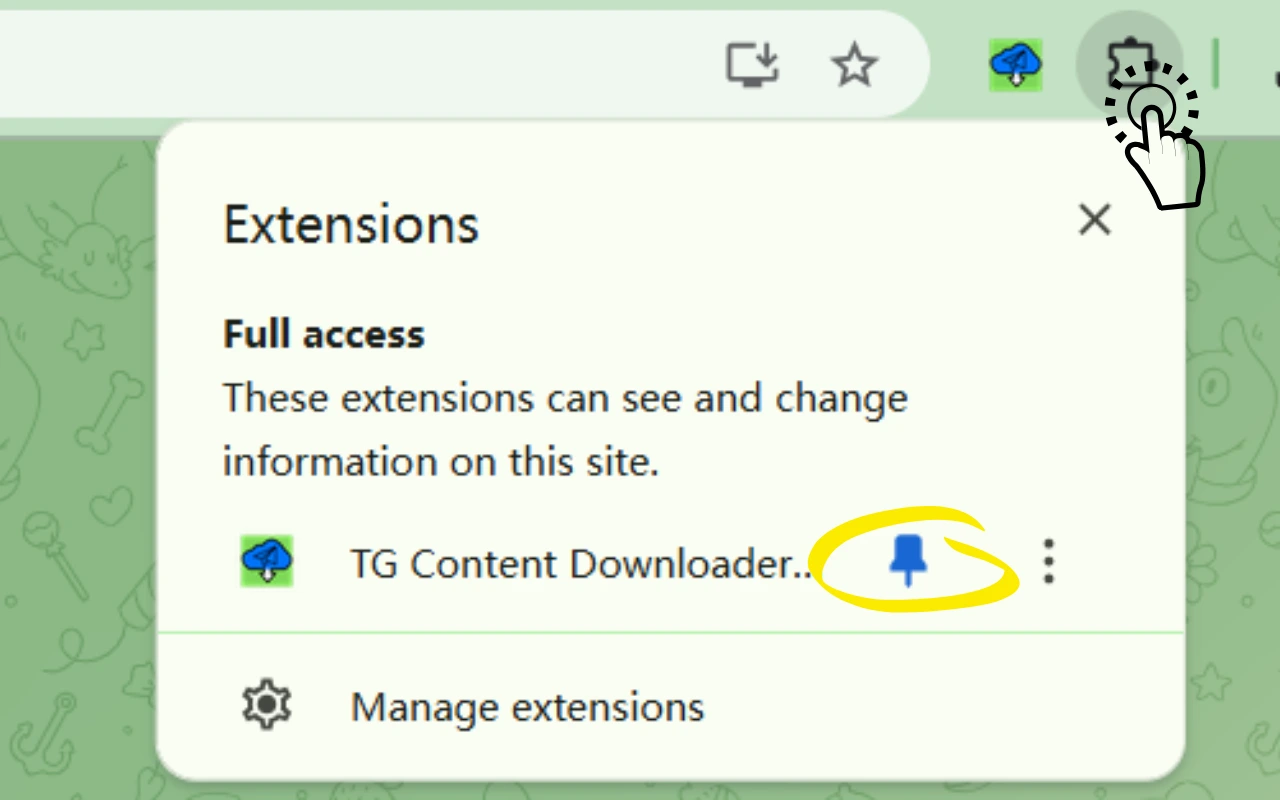
Step 2
Click the Extensions button > Find the plugin > Click the Pin icon.
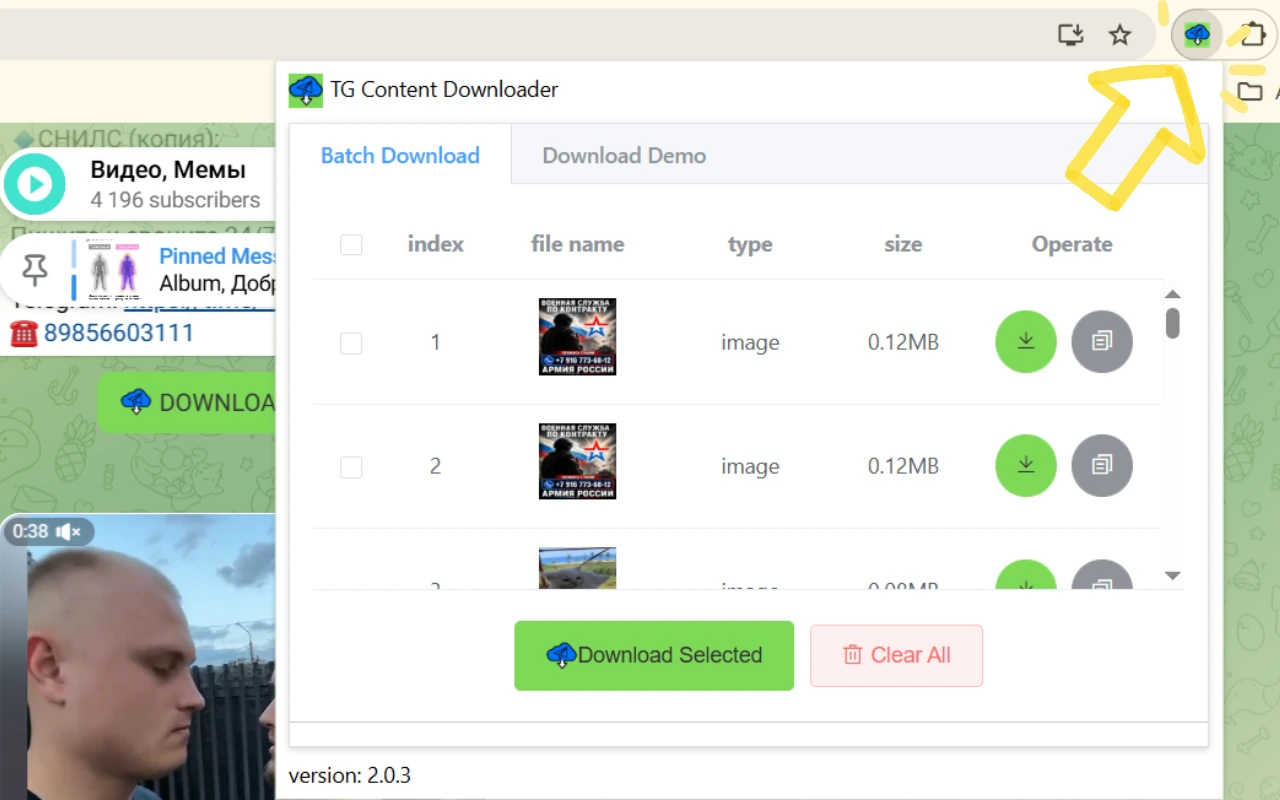
Step 3
When the extension icon shows the number of resources that have been captured. Click the extension icon, open the extension window, and perform batch downloads.

Step 4
Batch Downloads: Open any group or personal message and click Batch Download Media or Download Story. Single Downloads: Click the Download, Force Download, Download Image, or Download Video button directly inside the chat or channel window.
The TG Content Downloader lets you quickly save photos, videos, audio, and documents from Telegram messages and channels. Enjoy high-speed downloads and a clean, user-friendly interface.
The TG Content Downloader supports multiple file types, including photos (JPEG, PNG, GIF), videos (MP4, AVI, MKV), audio (MP3, WAV, AAC), and documents (PDF, DOCX, XLSX, PPTX).
No sign up is required. You can use the TG Content Downloader without creating an account or logging in.
If you face any issues, please contact our customer support team. We provide 24/7 technical support to help resolve problems and ensure a smooth user experience.
The downloader is optimized for high-speed transfer. Actual speed depends on your network quality, Telegram availability, and file size.
TG Content Downloader
Unlimited and fast, easy way to download Telegram videos, audio, and images with one click.